|
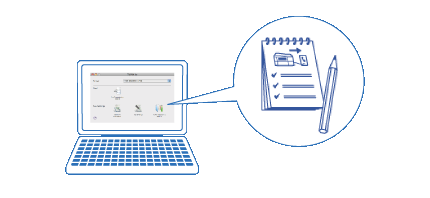
Product OverviewFAX Utility is an application that provides various convenient functions for sending faxes.
FAX Utility only works with fax-capable Epson multifunction printers.
When using a printer that supports PC-FAX reception, you can save received faxes as PDF files on your computer. This helps you to reduce unnecessary printing.
 Note: Note:
Browsing transmission records
Fax Receive Monitor (Only for models with PC-FAX reception)
Fax Receive Monitor is displayed when a printer with PC-FAX reception is selected on the FAX Utility main window. On the Fax Receive Monitor window, you can make settings to save received faxes to your computer and set a notification message when new faxes are received.
 Setting to save a received fax on a computer
Checking New Faxes
Making Settings so that Received Faxes are not Saved on a Computer Setting to save a received fax on a computer
Checking New Faxes
Making Settings so that Received Faxes are not Saved on a Computer
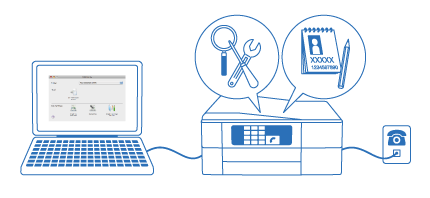
FAX settings for your printer function
| |